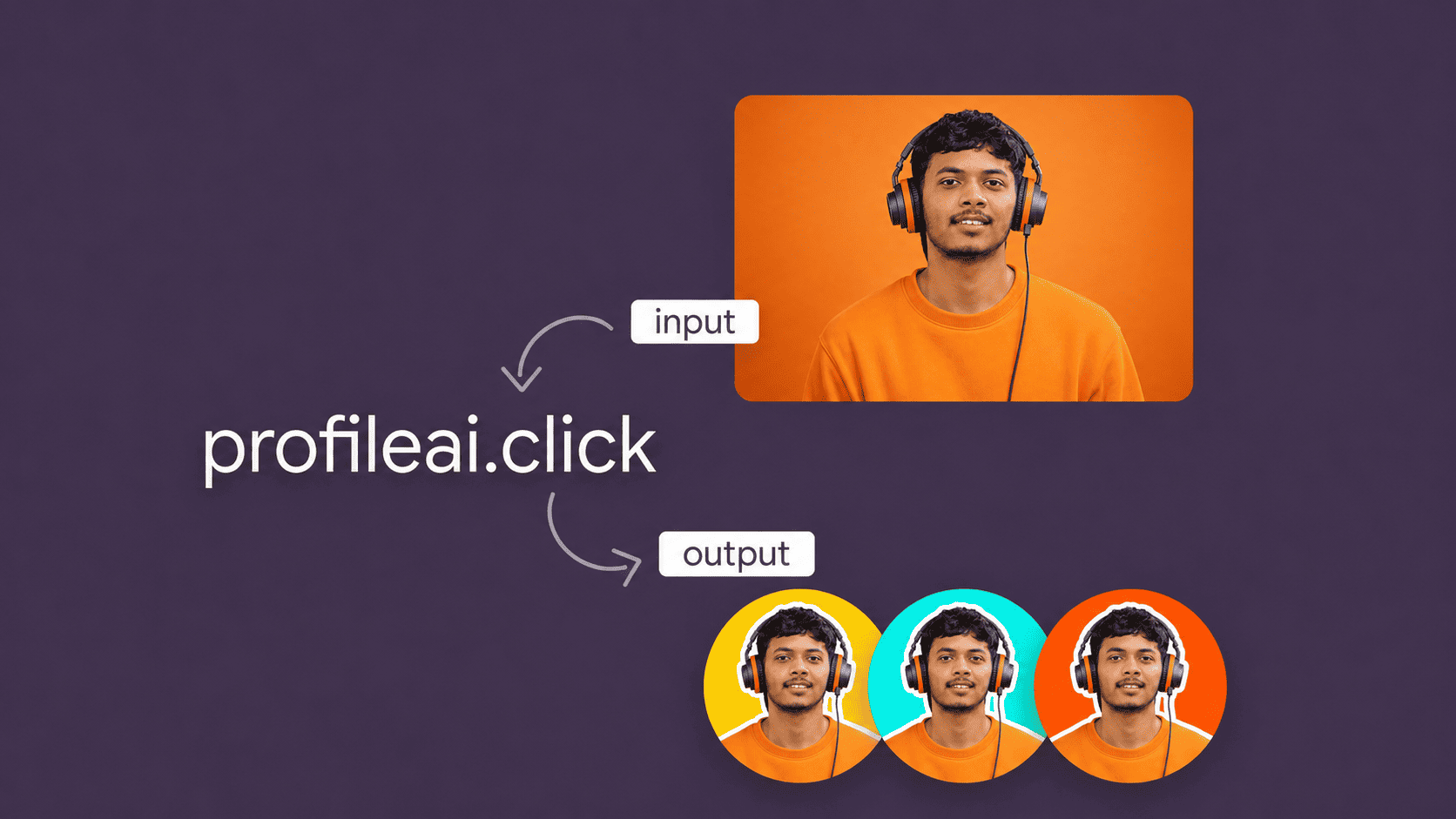
Free AI Profile Picture Maker Online picture maker
Upload your photo and get an eye-catching profile picture
or try this
👩
👨
🧒
📷
Click here to upload
or drag & drop your photo here
Automatic background removal · 100% Free
Zoom & Center your face
clickand get
ProfileAI Studio
Creating your profile photo
Analyzing the portrait and separating the subject.
Analyzing your photo...0%
Studio
🎨 Customize Colors
Background
Ring Color
Shape
Template Library
Select a style below. Changes apply instantly.

+See More Templates
How ProfileAI works
Four steps only
Temporary processed files are automatically deleted after one hour
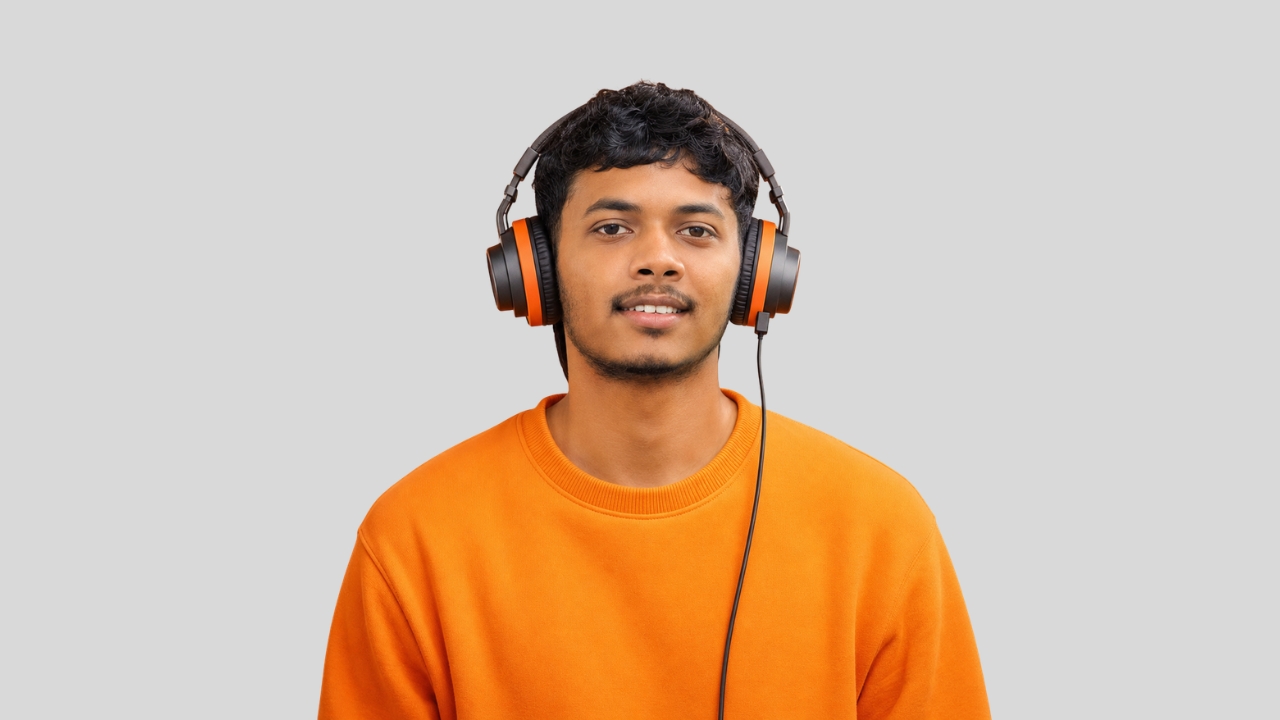
1. Upload your photo
Upload any photo from your device. We support browser-compatible JPG, PNG and WebP photos. Temporary processed files are automatically deleted after one hour.
↓
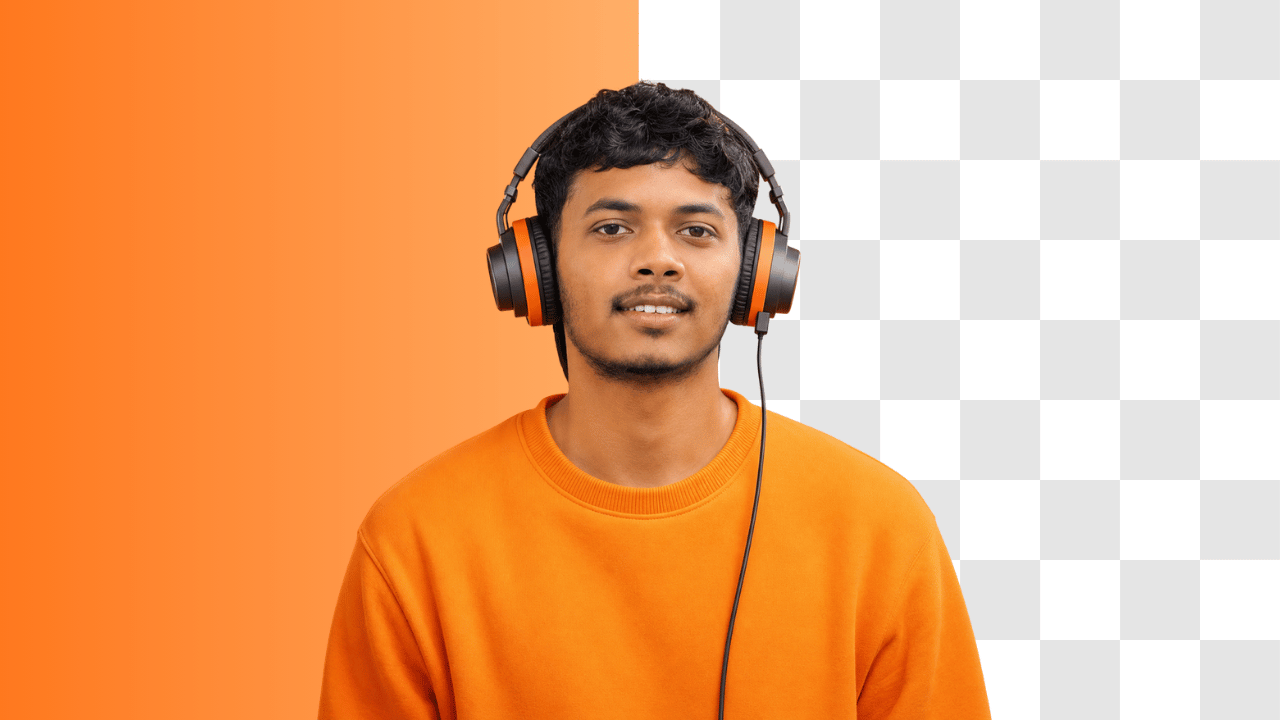
2. Remove background with AI
Our AI instantly removes the background from your photo with impressive accuracy. For the best results, use a photo with good lighting and a clear backdrop.
↓
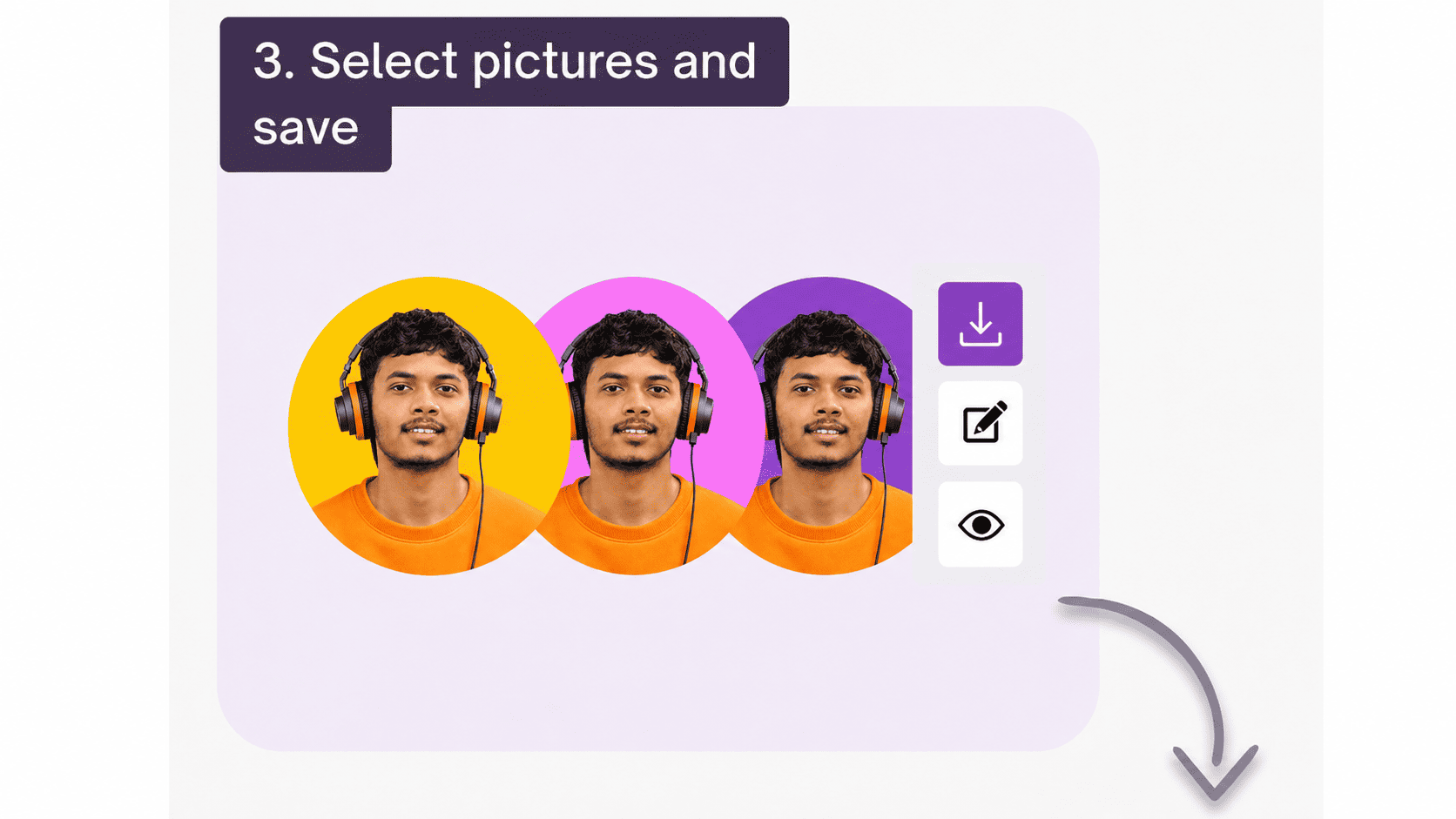
3. Select pictures and save
Browse through 40+ unique templates, pick your favorites, and download them in HD quality instantly — no account required.
↓
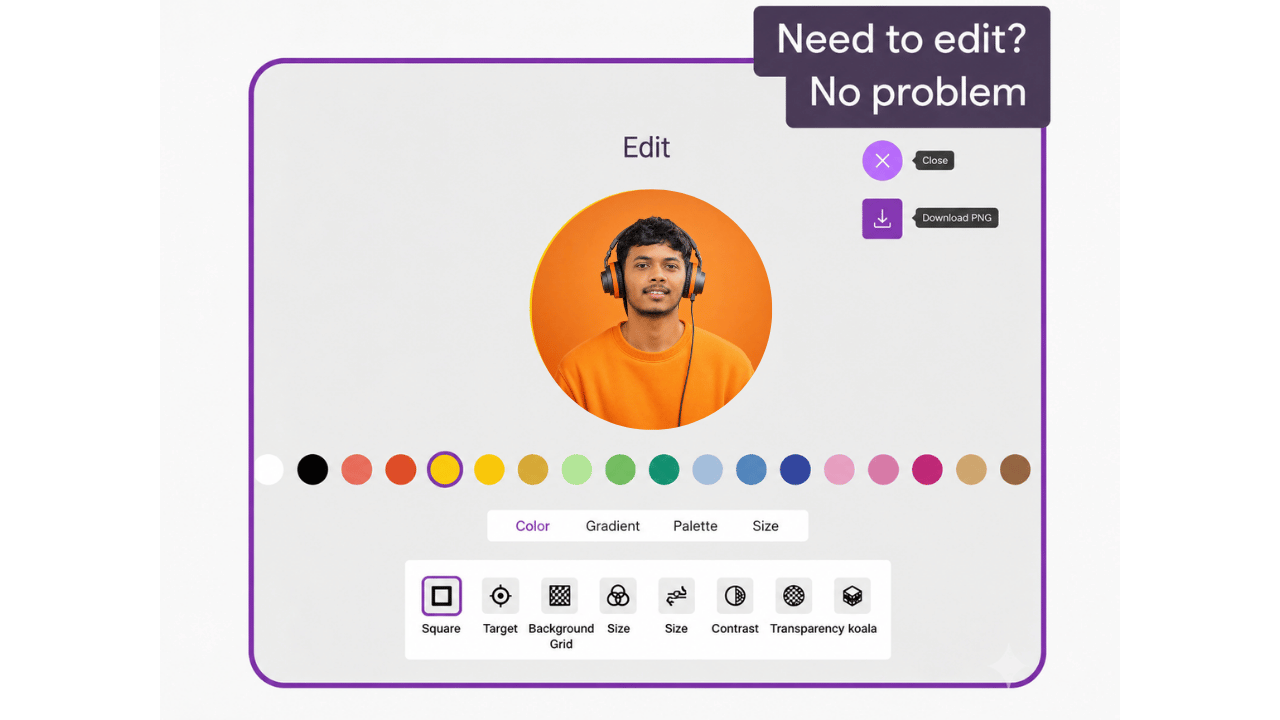
Need to edit? No problem
Fine-tune any template in the Studio — change colors, ring, shape, and download your perfect profile picture in seconds.
ProfileAI helps you create eye-catching profile pictures in just a few clicks.
Using AI image background removal, our variations of backgrounds, outlines, and filters, your profile will look fantastic.
Create an eye-catching profile picture
or try this
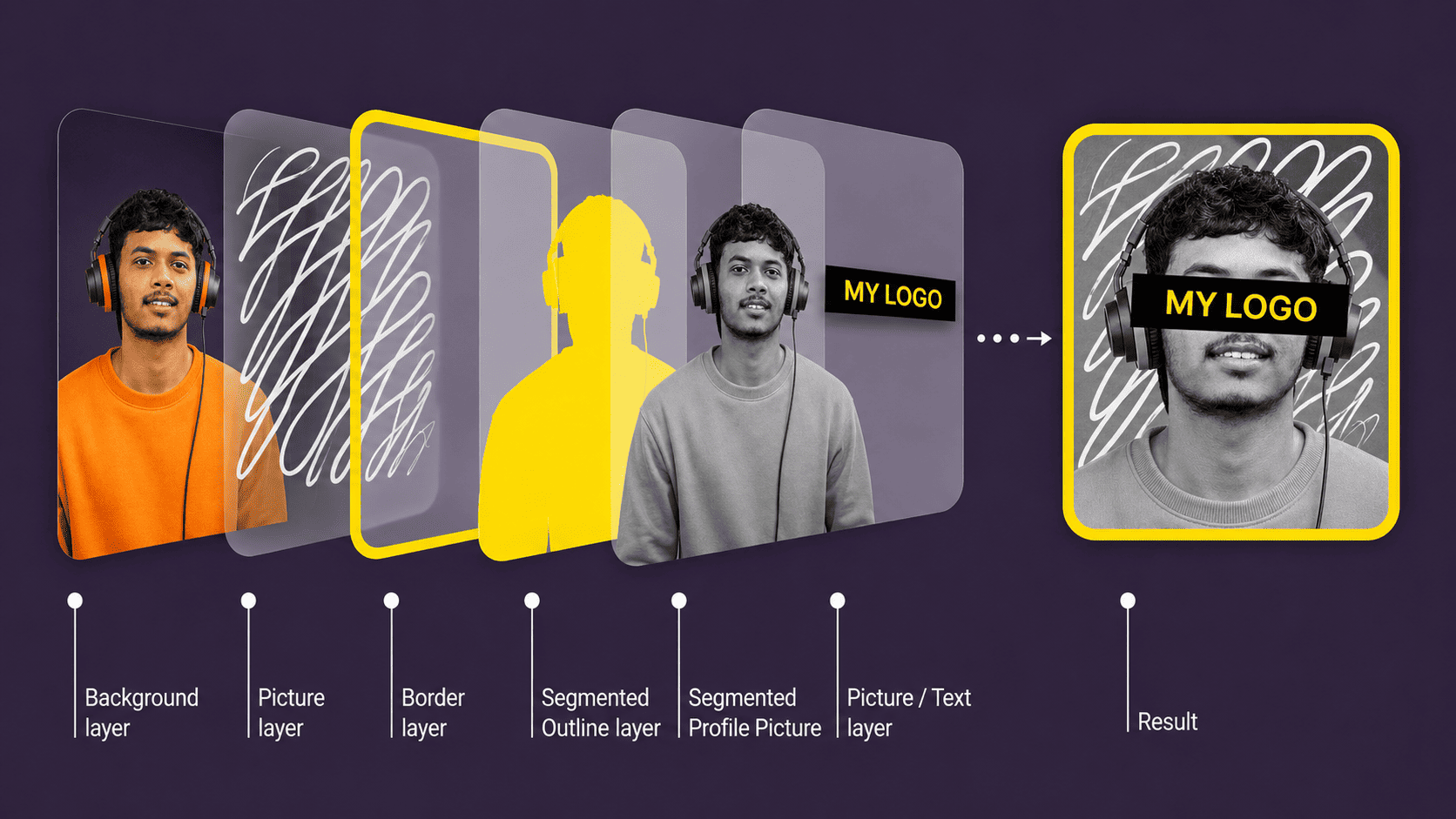
Create and share your PFP template
Adjust layers as an artist
Frequently Asked Questions
Is this tool free?
Yes. The core ProfileAI editor is free to use and does not require an account.
Are my photos safe?
Your photo is used to remove the background and create the selected profile image. The processed server copy is temporary and is automatically deleted after one hour. An upload notification is also sent to the site owner through Telegram as explained in the Privacy Notice.
What photo formats are supported?
ProfileAI supports JPG, JPEG, PNG and WebP photos that your browser can open.
Is it possible to remove the background with more precision?
The background is removed using AI. We recommend using a good-quality photo with good lighting and a contrasting backdrop to receive the best results.
Why can't the app remove my background properly?
The AI is trained to recognize a person and their profile. If the photo does not contain a person, you will get an empty image. Make sure your photo has a person like on the example.
Where can I use photos created in ProfileAI?
The profile photos made with ProfileAI can be an excellent fit as a profile photo for your social media, messenger, or CV.