
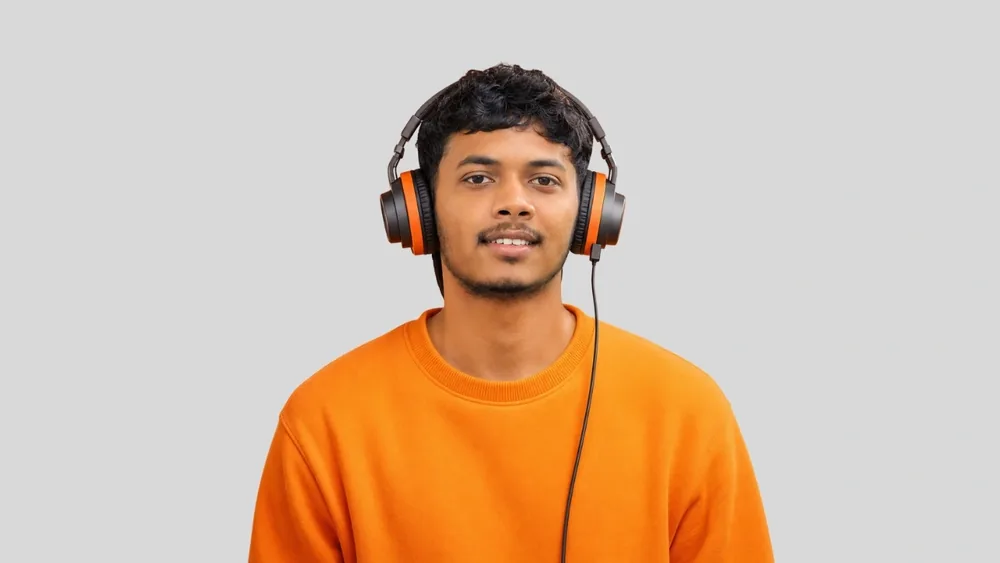
1. Choose your photo
Use a clear, well-lit JPG, PNG or WebP. Avoid heavy filters and cropped-off faces.
Upload a photoPractical guides, photo tips, export advice and answers to common questions before you start creating.

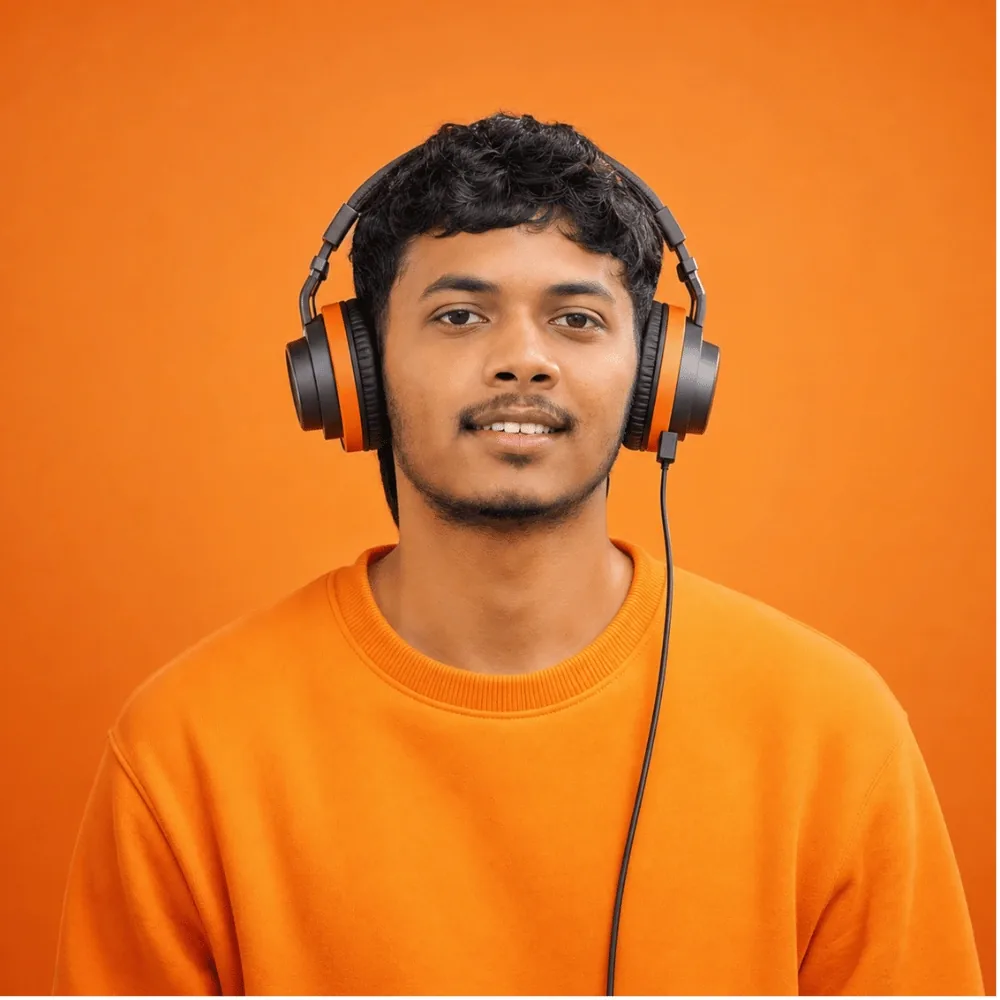
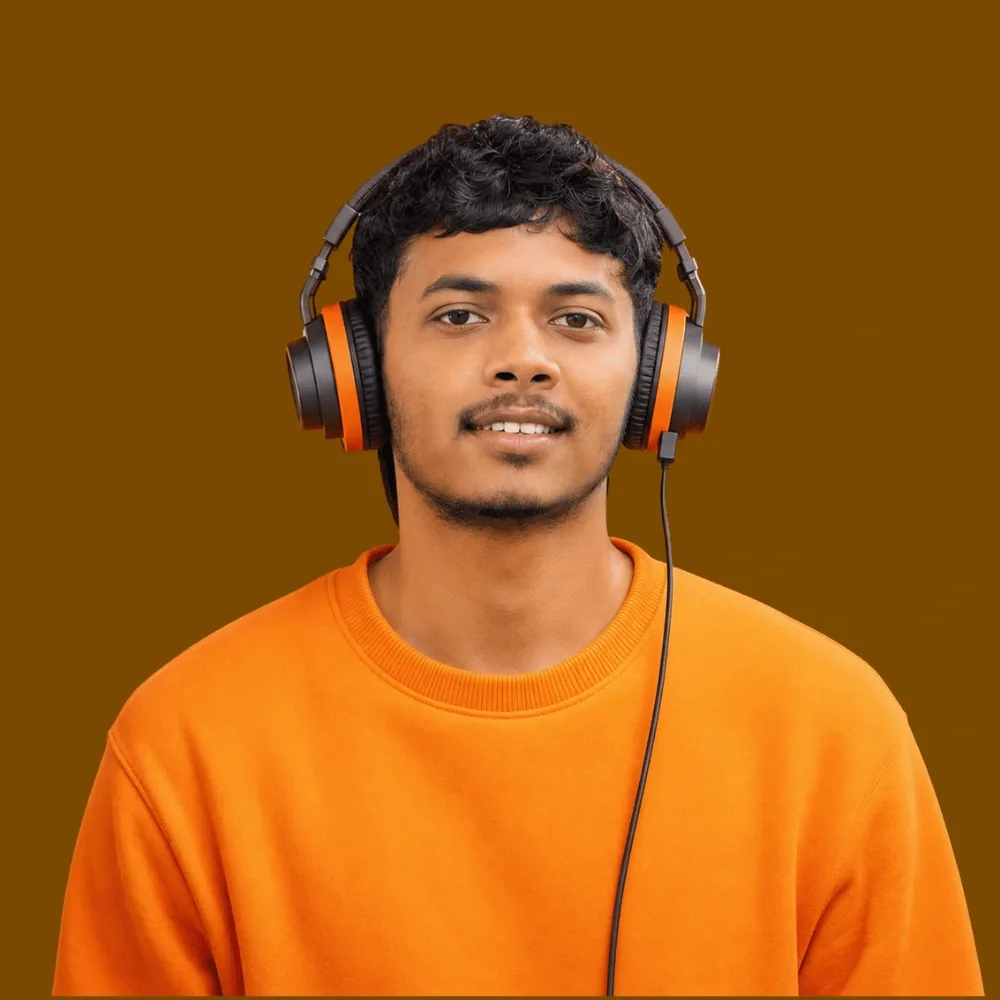
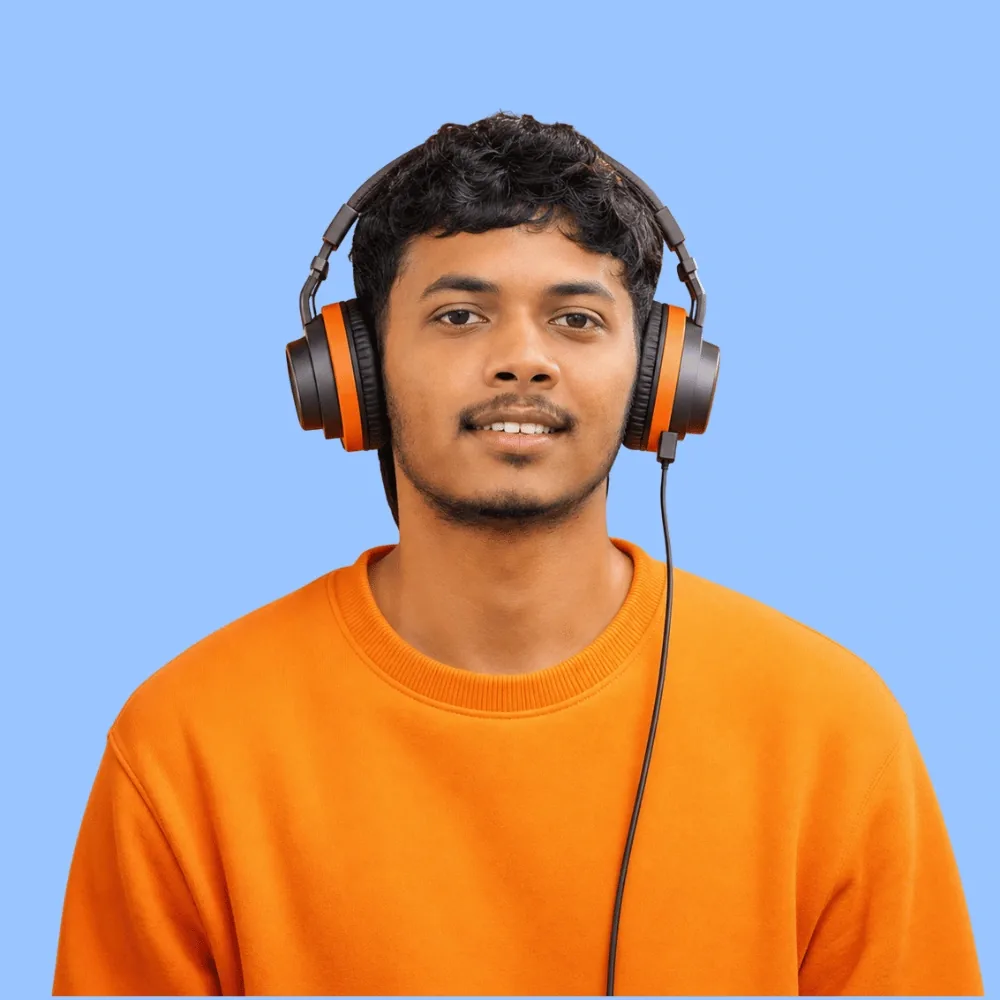
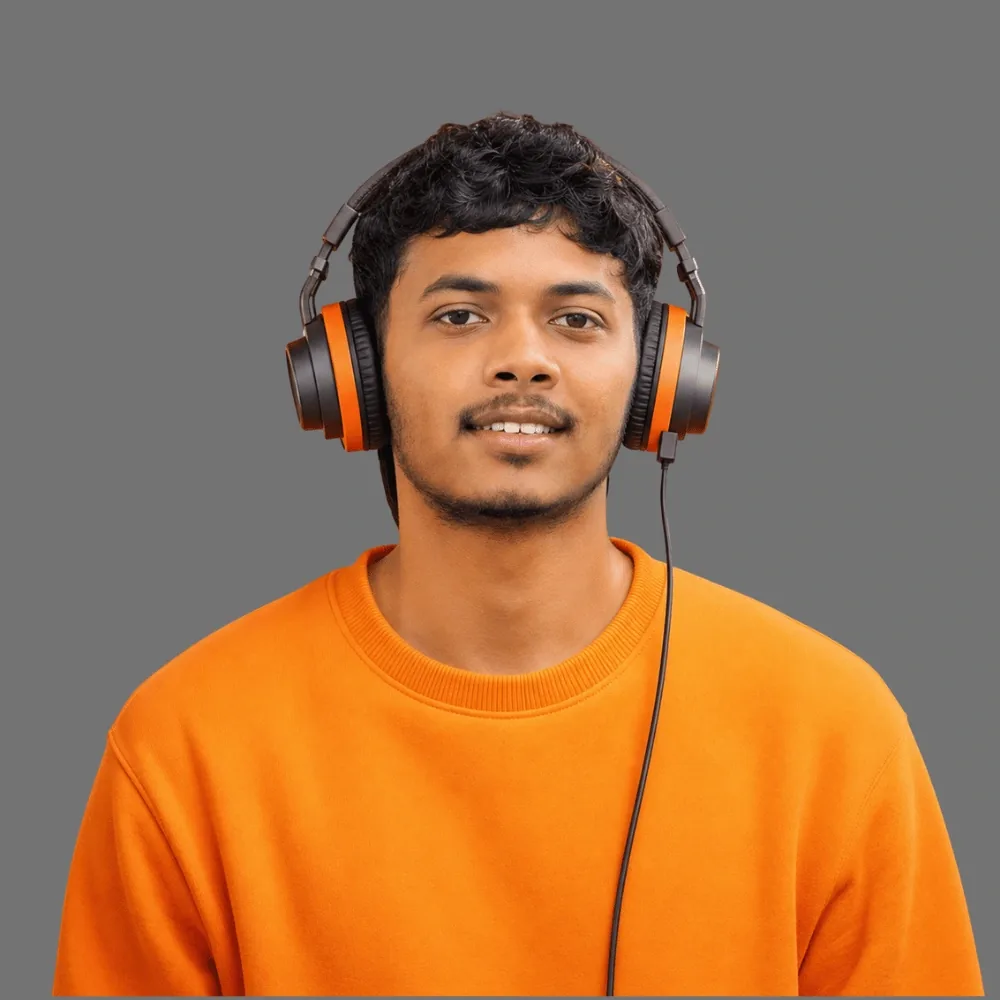
Four simple steps to a finished profile picture.
ProfileAI previewUse a clear, well-lit JPG, PNG or WebP. Avoid heavy filters and cropped-off faces.
Upload a photo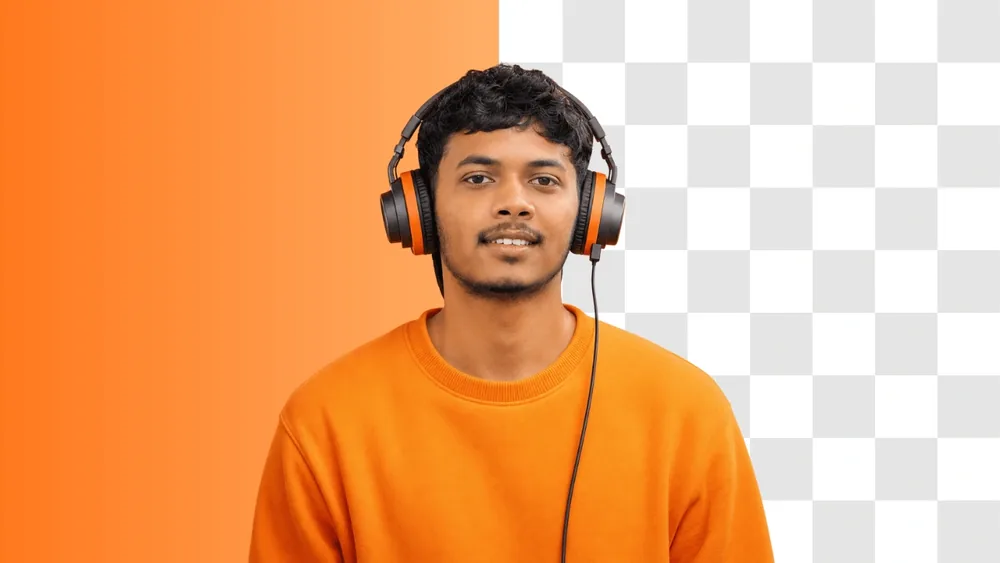
Choose an AI quality mode. A contrasting backdrop helps fine edges.
Try the editor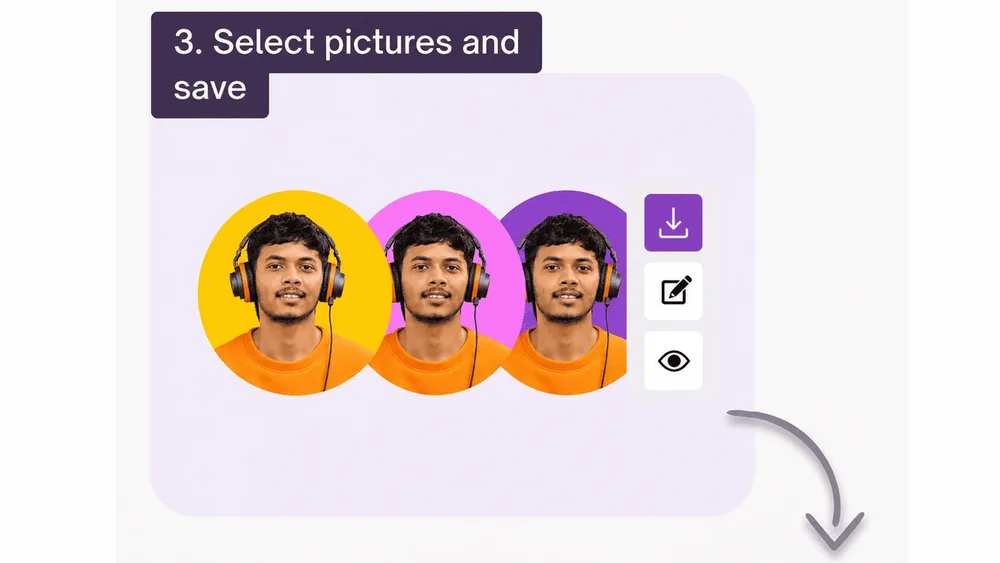
Choose a style for the platform and adjust colors and frame.
Create a template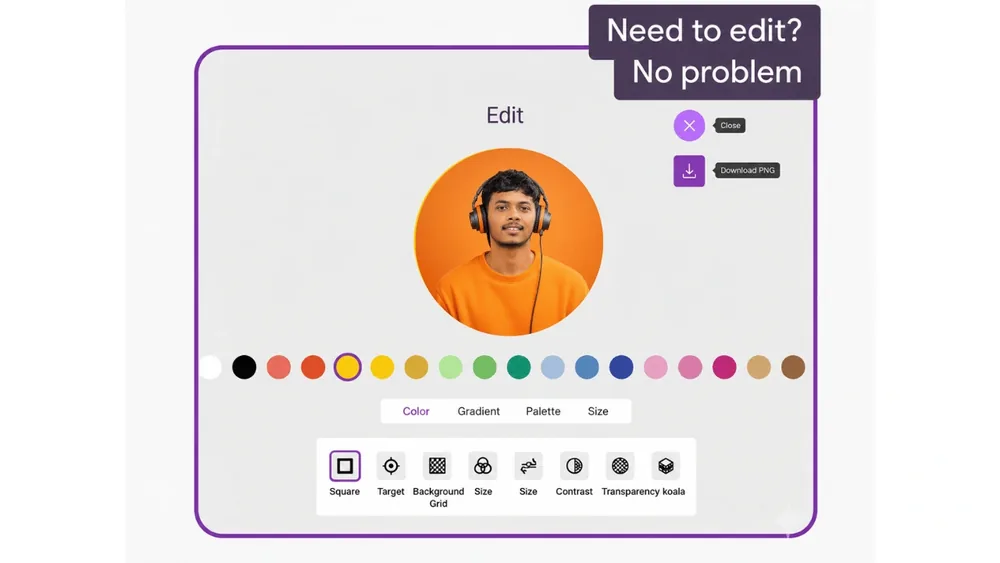
Check the preview and choose an appropriate format and dimensions.
Open Photo StudioSmall improvements that make a big difference.
ProfileAI previewFace a window, keep light even and avoid harsh backlighting.
Refine lightingLeave breathing room around the head and shoulders; preview the circular crop.
LinkedIn guideChoose an uncluttered background with good contrast and inspect the edge detail.
Edit backgroundsPNG retains transparency; JPG is compact for ordinary photos; WebP is available in supported Studio browsers.
Export optionsUse a recent browser, avoid very large photos on low-memory devices and export before closing.
Open on mobileEnable local draft saving in Photo Studio to resume your edit.
Open StudioUnderstand how ProfileAI works before uploading.
ProfileAI previewTry a clear portrait, reload if a model download fails, or switch to Fast mode.
Return to editorUnderstand local editing, optional cloud processing and Telegram sharing.
Read privacy noticeReview permitted use and service limitations.
Read termsThe public developer API is not available yet.
API informationNo matching results. Try another search.
The core editor is free and no account is required. Optional Cloud HD processing is subject to usage limits.
A clear portrait with even lighting, a visible subject and a contrasting background is a good starting point.
Try a different quality mode or use the mask restore and erase tools in Photo Studio. Results depend on the photo and available model.
Browser-compatible JPG, JPEG, PNG and WebP. Studio export also supports AVIF if the browser supports encoding it.
Standard background editing runs locally. Optional Cloud HD sends the photo to Cloudflare. Telegram photo sharing is separately consented. Read the Privacy Notice before uploading.
Try the free profile maker or take creative control with the advanced Photo Studio.